Getting started #
Requirements #
- Windows, 64-bit. AFEIM’s core module ships as a compiled Windows binary only.
- Python 3.9, 3.10 or 3.11. Other versions can’t load the core module.
- GDAL. Install it from conda-forge, as shown below. Installing it with pip often fails on Windows.
- Disk space for daily raster time series. A multi-year daily run creates thousands of files per variable.
Install #
In Anaconda Prompt (or Miniconda/Miniforge Prompt):
conda create -n afeim -c conda-forge python=3.11 gdal git
conda activate afeim
pip install git+https://gitlab.iiasa.ac.at/flam-public/afeim.git
To use the Python API in notebooks, also run pip install notebook.
Check the installation:
python -c "import AFEIM; print(AFEIM.__version__)"
This prints the installed version, for example 1.4.5+pub. In the public build, the messages GPU unavailable and Failed to load g4m backend! are expected. You can ignore them.
To update AFEIM later:
pip install --force-reinstall --no-deps git+https://gitlab.iiasa.ac.at/flam-public/afeim.git
Launch the GUI #
With the environment activated:
python -m AFEIM
From Python or Jupyter, import AFEIM; AFEIM.gui() does the same. It opens the GUI in a separate process, and the cell keeps running until you close the window.
Keep the console open while you work. It shows progress, and when a run fails it shows the error message (the GUI only says Process failed!).
The GUI at a glance #
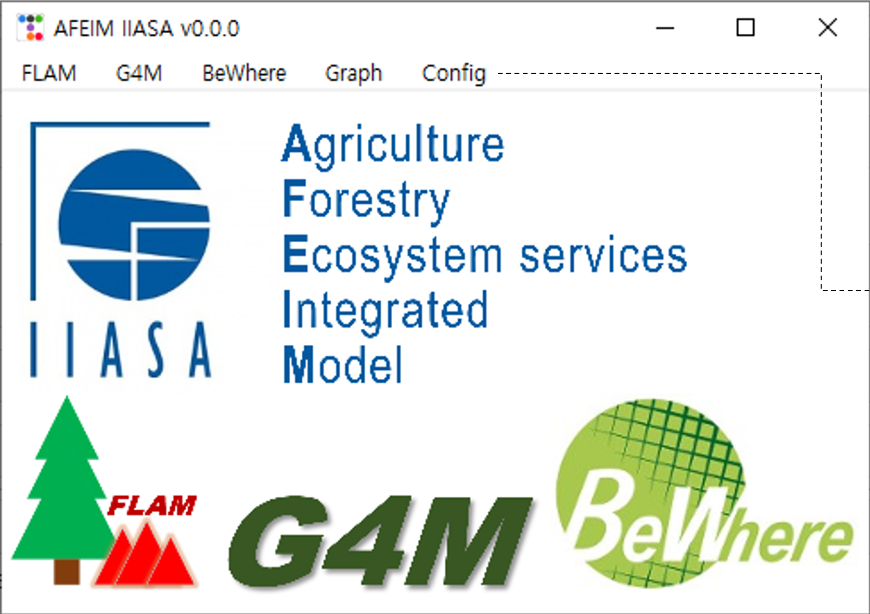
| Menu | Item | Purpose |
|---|---|---|
| FLAM | Daily Fuel Moisture | Fuel moisture from weather |
| Frequency Probability | Daily ignition probability | |
| Create Labeling Data | Rasterise observed fires | |
| Calculate Burned Area | Calibrate and compute burned area | |
| Spread Simulation | Spatial fire spread | |
| FLAM-Net | Disabled in the public build | |
| G4M | Interpret Yield Table | Fit G4M growth parameters |
| BeWhere | — | Empty in the public build |
| Tools | Rasterize netCDF4 | Convert netCDF to GeoTIFF |
| Graph | Plot raster time series | |
| Config | Shared input paths and dates |
All tool windows share the same controls:
- Open selects a file or folder.
- ¶ (top-right corner) fills the window from the configuration.
- Run starts processing. The progress bar fills, and a notification reports success or failure.
- Dates use the format
YYYY-MM-DD.
You can open several GUI instances to run independent steps at the same time.